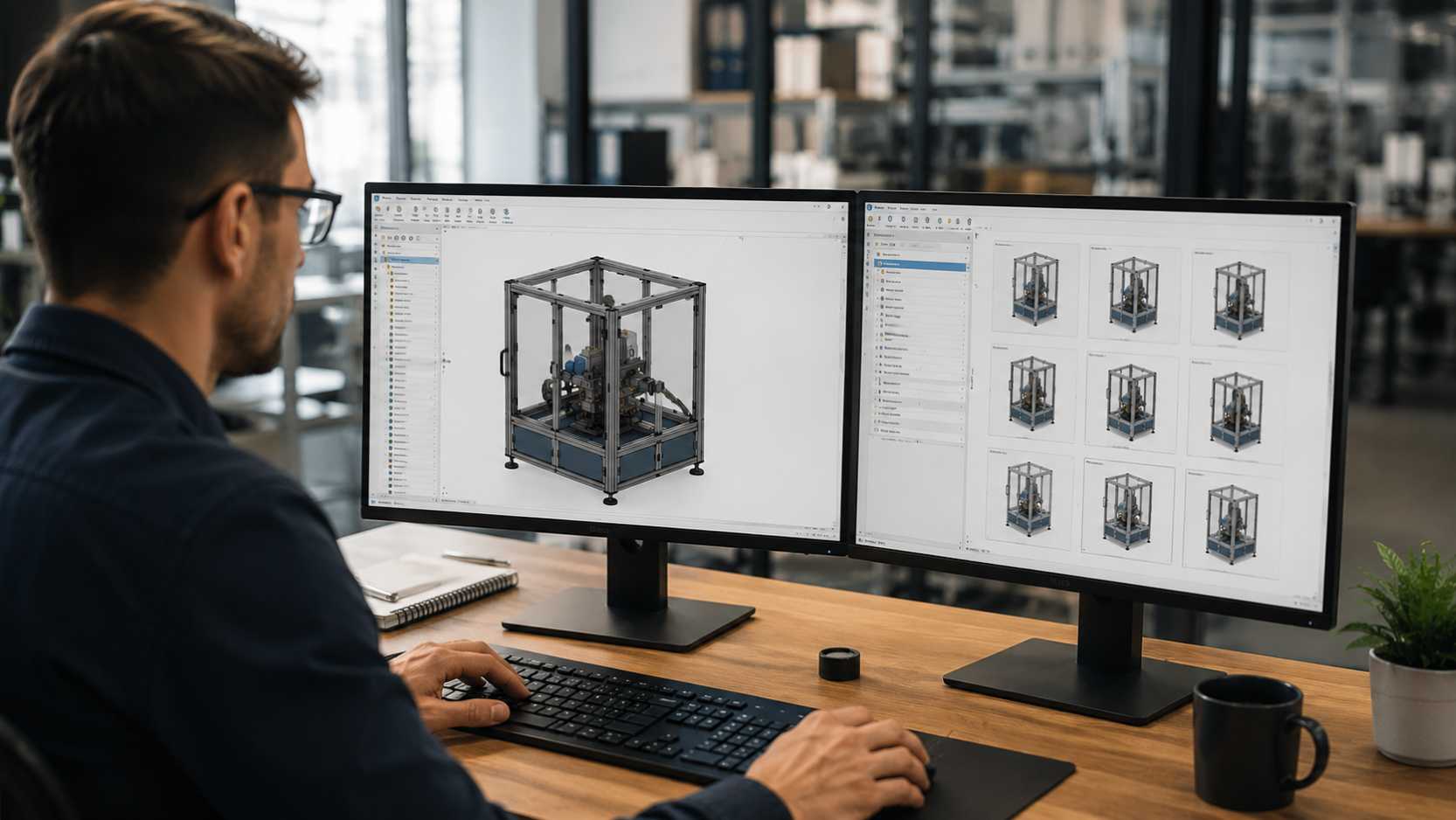
Engineering and manufacturing teams are under constant pressure to deliver custom products faster, with fewer errors and better control over design quality. But when every customer request needs manual CAD updates, drawing changes, BOM preparation, and repeated engineering checks, the process can quickly become slow and inefficient.
That is where DriveWorks design automation becomes valuable.
DriveWorks is a powerful design automation, SOLIDWORKS automation, and CPQ software solution that helps manufacturers automate repetitive design tasks, generate accurate CAD models, create drawings, and speed up product configuration.
For companies that work with configurable or custom products, DriveWorks helps teams move away from repeated manual work. Instead of creating every design variation from scratch, engineers can build rules once and use them to automatically generate new product designs based on customer requirements. This is especially useful for companies already investing in CAD automation and customization to reduce manual engineering effort.
In this guide, we will explain what DriveWorks is, how it works, its key features, benefits, common applications, and how manufacturers can get started with DriveWorks implementation.
What Is DriveWorks?
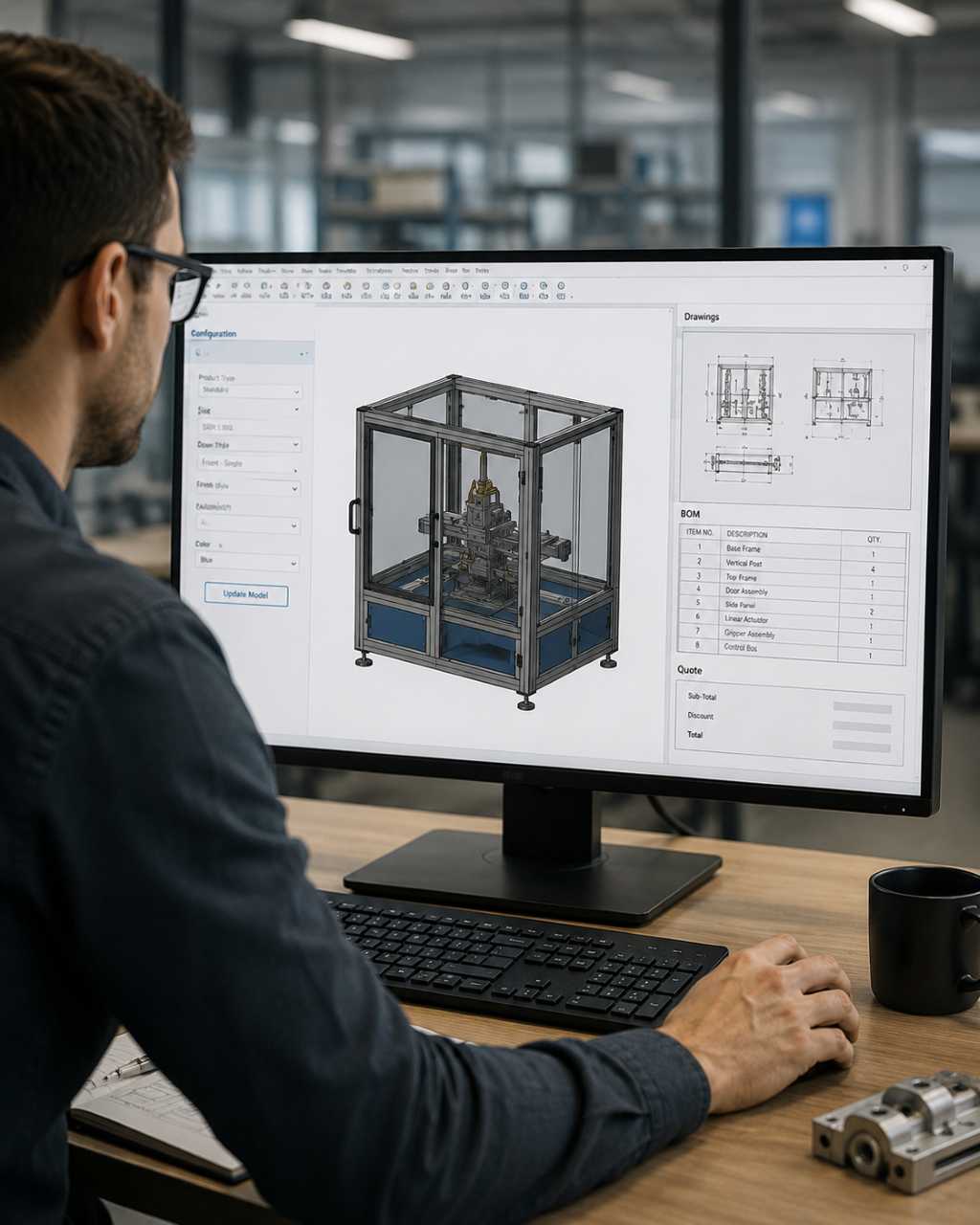
DriveWorks is a design automation and product configuration software used with SOLIDWORKS. It helps engineering and manufacturing companies automate the creation of CAD models, assemblies, drawings, documents, BOMs, and quotes.
It is also used as a CPQ solution, which means Configure, Price, Quote. This allows sales teams, dealers, or customers to configure products, calculate pricing, and generate quotes with less dependency on the engineering team.
In simple terms, DriveWorks takes a standard SOLIDWORKS model and turns it into a smart, rule-based system. Once the rules are set, the software can automatically create different product variations based on the inputs entered by the user.
For example, if a customer needs a product in a different size, material, layout, or configuration, DriveWorks can generate the required SOLIDWORKS files, drawings, and related documents without requiring the engineer to manually update everything each time. This supports faster CAD modelling and drafting while keeping design outputs consistent.
How Does DriveWorks Work?
DriveWorks works by using a master SOLIDWORKS model and applying automation rules to it.
A typical DriveWorks process looks like this:
- Engineers create a master model in SOLIDWORKS.
- Important dimensions, features, assemblies, and drawings are captured.
- Rules and logic are created inside DriveWorks.
- A user form is built to collect product requirements.
- The user enters the required values or options.
- DriveWorks automatically generates the new CAD models, drawings, BOMs, and documents.
This process helps reduce repetitive engineering work and makes design output more consistent.
Instead of spending hours making similar changes again and again, engineers can use DriveWorks to generate accurate design variations in a much shorter time.
Key Features of DriveWorks
DriveWorks includes several useful features that support engineering design automation, product configuration, and manufacturing efficiency.
Rules-Based Design Automation
DriveWorks allows engineers to define rules that control how a product should be configured. These rules can manage dimensions, features, parts, assemblies, file names, drawings, documents, and other design conditions.
This helps ensure that every design follows the correct engineering standards and reduces the chance of manual mistakes.
Parametric Design Automation
With parametric design automation, DriveWorks can update models based on user inputs such as size, material, quantity, height, width, length, or other product options.
This is especially useful for products that follow a standard design structure but need frequent customization.
Automated CAD Models and Drawings
One of the biggest benefits of DriveWorks is the ability to automatically generate SOLIDWORKS parts, assemblies, and drawings.
This saves time for engineering teams and helps reduce the manual effort required to create repetitive CAD files and manufacturing drawings. For businesses that need accurate drawings, assemblies, and documentation support, professional CAD modelling and drafting services can help strengthen the complete design workflow.
Automated BOMs and Documentation
DriveWorks can also help generate Bills of Materials, technical documents, sales documents, manufacturing documents, and other project-related outputs.
This improves accuracy and reduces delays caused by manual document preparation.
CPQ and Sales Configuration
DriveWorks connects engineering automation with the sales process. Sales teams can configure products and generate quotes without waiting for engineers to review every basic request.
This helps companies respond to customers faster and improves the overall sales experience.
Web-Based Product Configuration
DriveWorks Pro supports browser-based product configuration. This allows sales teams, dealers, distributors, or customers to configure products through a web interface.
For manufacturers selling configurable products, this can make the buying process faster, easier, and more professional.
Business System Integration
DriveWorks can support integration with business systems such as ERP, CRM, and PLM platforms.
With the right integration, product data, customer details, quote information, and manufacturing requirements can move more smoothly between sales, engineering, and production teams.
Benefits of Using DriveWorks for Design Automation
DriveWorks can bring strong value to companies that handle repetitive designs, custom product requests, or engineer-to-order workflows.
Faster Design Turnaround
DriveWorks helps engineering teams generate design variations quickly. Tasks that normally take hours or days can be completed in minutes when the rules and automation process are properly configured.
Better Accuracy and Consistency
Because DriveWorks uses predefined rules, every output follows the same approved logic. This helps reduce errors, avoid missed details, and improve design consistency across projects.
Less Repetitive CAD Work
Engineers often spend a lot of time making small changes to similar models and drawings. DriveWorks reduces this repetitive workload so engineers can focus on more valuable tasks, such as product improvement, problem-solving, and innovation.
Faster Quotation Process
With CPQ functionality, sales teams can configure products and prepare quotes more quickly. This reduces back-and-forth communication between sales and engineering and helps improve customer response time.
Improved Customer Experience
Customers expect fast and accurate responses. DriveWorks helps companies provide quicker quotes, more reliable product information, and better visibility during the sales and design process.
Shorter Time to Market
By reducing manual work and speeding up design approval, DriveWorks helps manufacturers deliver custom products faster and respond more quickly to market demand.
Scalable Engineering Process
Once automation is created for one product or workflow, it can be improved and expanded across more products, teams, and locations. This makes DriveWorks a strong solution for growing manufacturing businesses.
Real-World Applications of DriveWorks
DriveWorks is useful for companies that create custom, configurable, or repeatable product designs.
Custom Product Manufacturing
Manufacturers of products such as doors, windows, conveyors, enclosures, storage systems, furniture, and HVAC units can use DriveWorks to automate product variations based on customer needs.
For more complex products, DriveWorks can also support broader machine design and development workflows by reducing repetitive design changes and improving standardization.
Sheet Metal and Fabrication
Fabrication companies can use DriveWorks to automate sheet metal dimensions, cut patterns, drawings, and manufacturing documentation.
This helps reduce drafting time and improves consistency in production-ready outputs.
Industrial Equipment Design
Manufacturers of machinery and industrial equipment can use DriveWorks to generate assemblies, components, layouts, and drawings based on project-specific requirements.
When product performance, cost, and manufacturability need improvement, DriveWorks automation can also support product and value engineering initiatives.
Sales and Quotation Automation
DriveWorks allows sales teams to configure products and create quotes faster. This helps reduce lead response time and allows engineering teams to focus on more complex requests.
Engineering Standardization
Companies can use DriveWorks to maintain design standards, naming conventions, documentation formats, and product rules across different teams and projects.
How to Get Started with DriveWorks Implementation
A successful DriveWorks implementation starts with proper planning. The software works best when the product structure, CAD models, and design rules are clearly defined.
Identify Repetitive Design Work
Start by reviewing your current engineering process. Look for designs, drawings, BOMs, and documents that are created repeatedly with only small changes.
These are the best areas to automate first.
Prepare Parametric SOLIDWORKS Models
DriveWorks works best with clean and well-structured SOLIDWORKS models. The models should be built in a way that allows dimensions, features, and configurations to change smoothly.
If your existing product data is incomplete, outdated, or only available from physical parts, reverse engineering and CAD migration services can help rebuild accurate CAD models before automation.
Define Design Rules
Document the rules that control your product design. These may include size limits, material options, part selection, pricing logic, approval conditions, drawing outputs, and manufacturing requirements.
Create User Input Forms
Create simple forms where users can enter product requirements. These forms can be used by engineers, sales teams, dealers, or even customers, depending on your business process.
Automate CAD and Document Outputs
Configure DriveWorks to generate the required CAD models, assemblies, drawings, BOMs, quotes, and documents automatically.
Connect with Business Systems
Where needed, DriveWorks can be connected with ERP, CRM, or PLM systems. This helps reduce duplicate data entry and improves coordination between teams.
Train the Team
Training is important for engineers, sales users, and stakeholders. A properly trained team can use DriveWorks more effectively and get better results from automation.
Start Small and Scale Gradually
It is better to begin with one product line or one workflow. Once the automation is tested and refined, it can be expanded to other products and departments.
Why Manufacturers Should Consider DriveWorks
Manufacturers today need to deliver custom products faster without compromising accuracy. Manual design processes can slow down sales, increase engineering workload, and create errors in drawings or documentation.
DriveWorks helps solve these problems by bringing product configuration, CAD automation, CPQ, and documentation into one connected process.
For companies already using SOLIDWORKS, DriveWorks can become a practical way to improve engineering productivity, reduce repetitive work, and support scalable growth.
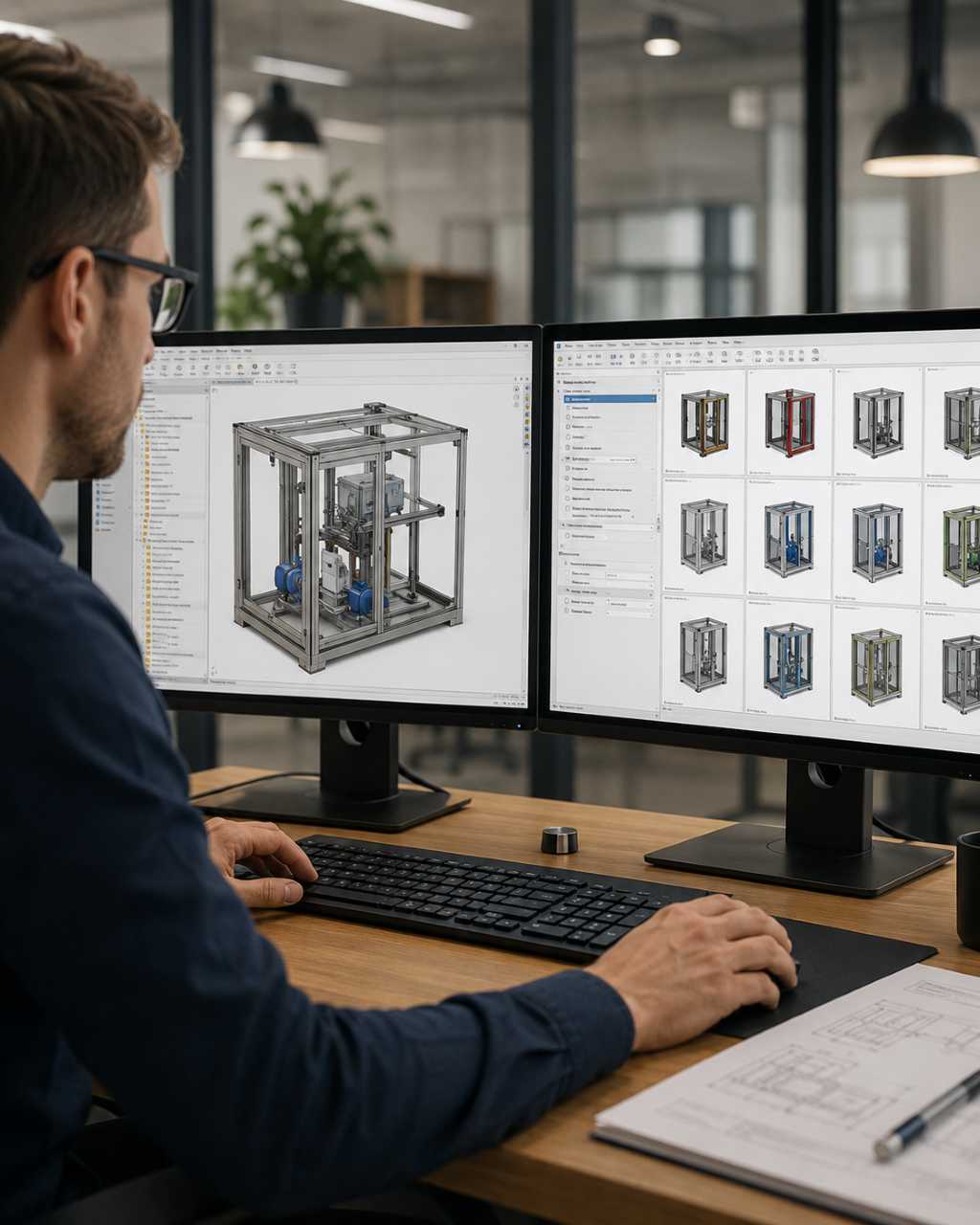
Accelerate DriveWorks Design Automation with Seashore Solutions
DriveWorks is a powerful tool, but successful implementation depends on more than just software. It requires clean CAD models, accurate design rules, process understanding, and the right automation strategy.
Seashore Solutions helps manufacturers implement CAD automation and customization solutions based on their real business needs.
Our team supports DriveWorks implementation, SOLIDWORKS automation, CAD process improvement, and engineering workflow optimization. If your internal team needs additional engineering capacity, our remote mechanical engineering support can also help with CAD modelling, drafting, drawing updates, and documentation support.
With Seashore Solutions, your business can:
- Reduce repetitive CAD work
- Improve design accuracy and consistency
- Automate drawings, BOMs, and documentation
- Speed up product configuration and quotation
- Improve collaboration between sales, engineering, and manufacturing
- Scale design automation across product lines
Whether you are planning to start with DriveWorks or want to improve your existing design automation process, Seashore Solutions can help you build a smarter and more efficient workflow.
Ready to Automate Your Engineering Design Process?
If your team is spending too much time on repetitive CAD work, drawing updates, BOM creation, or quote preparation, DriveWorks design automation can help.
Speak with Seashore Solutions to explore how DriveWorks, SOLIDWORKS automation, and CAD automation can reduce design time, improve accuracy, and accelerate product delivery.
Contact our engineering team today to discuss your DriveWorks implementation requirements.
FAQs
What is DriveWorks used for?
DriveWorks is used for SOLIDWORKS design automation, product configuration, CPQ, CAD model generation, drawing automation, BOM creation, and manufacturing documentation.
Is DriveWorks only for SOLIDWORKS?
DriveWorks is primarily used for SOLIDWORKS automation and helps generate SOLIDWORKS parts, assemblies, drawings, and related documents.
What companies should use DriveWorks?
Manufacturers that create custom, configurable, or engineer-to-order products can benefit from DriveWorks, especially when they need faster design, quoting, and documentation workflows.
How does DriveWorks improve engineering productivity?
DriveWorks reduces repetitive CAD work, automates rules-based design changes, improves accuracy, and helps engineers generate models, drawings, and BOMs faster.
Can DriveWorks help with CPQ?
Yes. DriveWorks supports CPQ workflows by helping users configure products, generate pricing logic, and create quotes more efficiently.