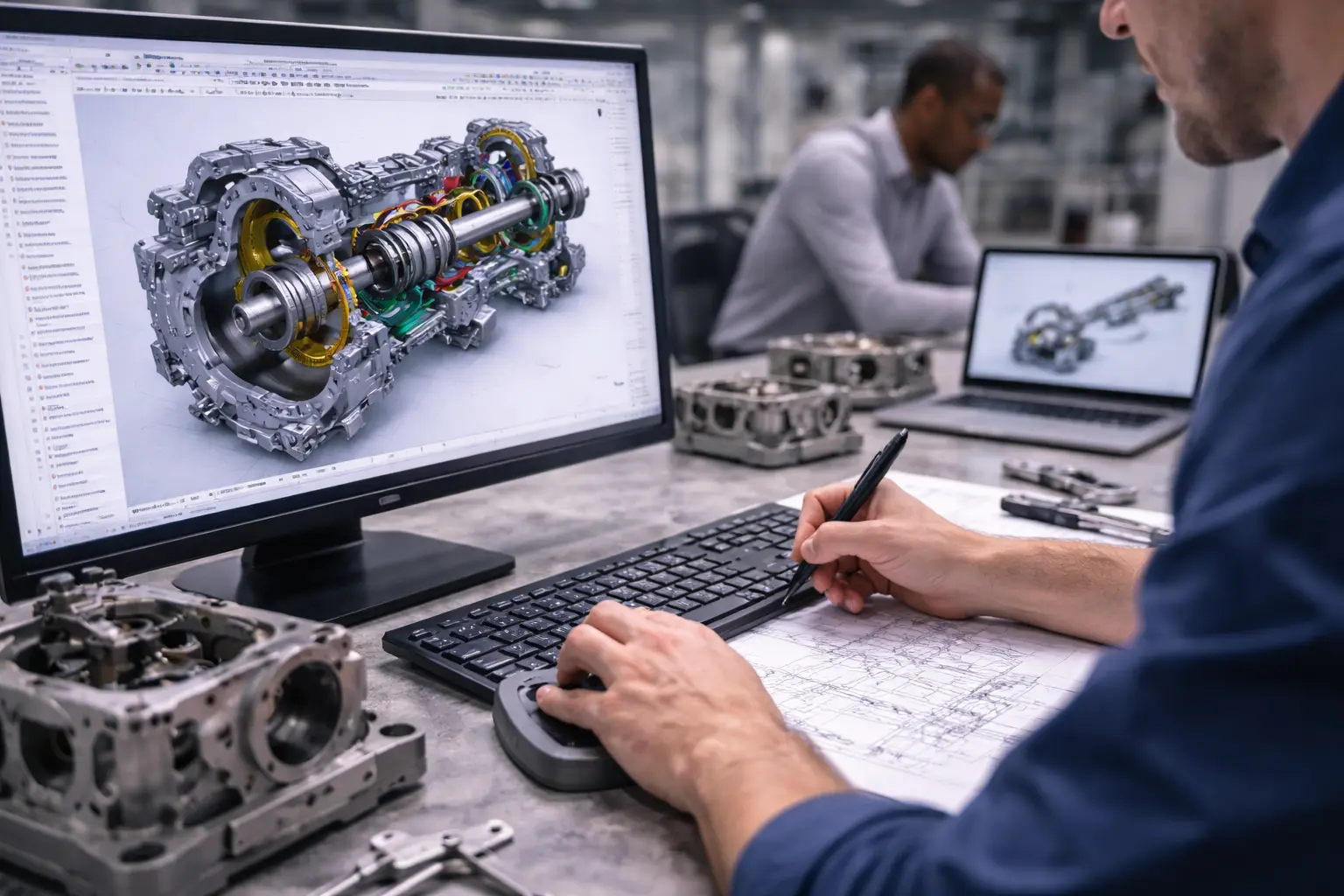
In the present period of engineering dynamism, 3D CAD modeling is now the mainstay in the product design, 3D simulation and production. Since the early drawing sketches up to the development of parts that are ready to be assembled in the production process, contemporary mechanical engineering depends on the effective and accurate digital modeling. Nevertheless, it is not only about the knowledge of the software but adhering to the best practices that enhance the accuracy, scalability, collaboration, and downstream utilization.
This guide addresses the important best practices that should be addressed in 3D CAD modeling in mechanical engineering; this is aimed at enabling engineers to have a robust, efficient and model that is fit to be used in real application.
Build with Design Intent from the Start
Intentional design is one of the most important principles in the 3D CAD modeling. Design intent can be considered as the behavior of a model when it undergoes changes. A robust model of a full model is expected to change logically without feature breakages and huge refurbishment.
In order to attain this, the engineers ought to:
- Prefer the application of parametric models.
- Early define important dimensions and relationships.
- Protect geometry wisely by imposing constraints.
- Be careful not to restrict the flexibility of sketches.
As an example, when a hole is supposed to always be centred, independent of part size, it can be defined as a geometrical constraint so it is consistent. Likewise, reference geometry such as planes and axes is useful in keeping the design straight throughout its development.
Initerative design Design intent is particularly key to iterative engineering settings where design models are regularly revised. An inadequately designed model can be effective in the short run, but it will be hard to adjust and this can result in time wastage and other possible errors.
Keep Models Simple and Efficient
The ease in CAD modeling is sometimes overlooked. Although it might be tempting to add all the unnecessary details, rather complex models can make the performance slower and the downstream activities, like simulation and manufacturing, more difficult.
To keep things simple, best practices are:
- Superfluous details or elaborate geometry to be avoided.
- Repeat patterns Repeat the same patterns by hand the same way.
- Streamline the imported geometry prior to being used in assemblies.
- Large assemblies Use configuration or simplified configurations.
An example might be thread, fillet, or cosmetic detail that can be blocked out during initial design phases or simulation. This minimizes the load on the computers and enhances the performance of the system.
Being able to model quickly is one thing and collaboration facilitated is another in situations where one has to work with large assemblies or even sharing files between teams.
Maintain a Clean and Organized Feature Tree
A well-organized feature tree is essential for readability, troubleshooting, and collaboration. Mechanical engineers often revisit models weeks or months later, and a cluttered or poorly structured feature tree can make updates difficult.
To maintain clarity:
- Name features meaningfully (e.g., “Mounting Hole Pattern” instead of “Extrude1”)
- Group related features logically
- Use folders to organize complex parts
- Keep sketches fully defined and labeled
An organized model allows other engineers or even your future self to quickly understand how the part was built. This becomes especially important in team environments where multiple contributors interact with the same model.
Additionally, a clean feature tree helps identify dependencies and troubleshoot errors efficiently when something breaks.
Use Standardization and Consistent Naming Conventions
Standardization is key to scalability in CAD modeling. Without consistent naming conventions and modeling standards, projects can quickly become chaotic, especially in large organizations or collaborative environments.
Key standardization practices include:
- Establish naming conventions for files, parts, and assemblies
- Use consistent units and dimensioning standards
- Follow company or industry-specific CAD guidelines
- Create reusable templates for common components
For example, naming files with clear identifiers such as “Bracket_Base_v2” or “Gear_Assembly_Main” makes it easier to locate and manage designs. Similarly, maintaining consistent units prevents costly errors during manufacturing.
Standardization also improves integration with Product Lifecycle Management (PLM) systems and ensures smoother communication between design, analysis, and manufacturing teams.
Design for Manufacturability (DFM) and Assembly (DFA)
A CAD model must not only appear right, but it must be easy to make and build. Designing without regard to real-world constraints has the potential of causing expensive redesigns and factory down-time.
DFM and DFA best practices consist of:
- Do not use extremely complicated geometries that are hard to machine or mold.
- Assure adequate tolerances and clearances.
- Reduce the amount of parts on an assembly.
- Take material properties and manufacture early into consideration.
As an example, acute interior angles can be hard to work and ought to be substituted by suitable fillets. Likewise, parts should be designed to have standard fasteners and easy points of assembly so as to enhance efficiency at the production stage.
Early delivery of DFM and DFA principles in the modeling process saves the time in making numerous iterations and also means the design in the digital form will easily be converted into a product.
Validate and Optimize Models for Performance
Validation has been a key requirement in 3D CAD modelling. Prior to completing a design, engineers should make sure that the model will have the functional requirements and that it will work as required, in real-life condition.
Important validation practices are:
- Simulation, e.g. stress, thermal or motion analysis.
- Second, verification of interferences and collisions of assemblies.
- Checking levels and compatibility between components.
- Checking error model/ broken element models.
The CADs used today usually incorporate the concept of simulation, which means that engineers do not need to create large models physically in order to prove specific designs work. This saves time and cost and allows optimization to occur quickly.
Moreover, performance optimization of models, both in functionality and file size, guarantees that they can be used in downstream applications, such as CAM, rendering, or within digital twins.
Mechanical engineering involves balance between design intent, simplicity, organization, and manufacturability to achieve effective 3D CAD modeling.
Adhering to these best practices, engineers are able to develop accurate, flexible, and production-ready models. Seashore Solutions has been providing end to end mechanical engineering solutions, such as CAD modeling, simulation and product development to business who require the assistance of an expert. Their applied, industry-oriented style aids in simplification of design or production processes and enhances production output. Collaborating with a seasoned team such as Seashore Solutions will help to streamline operational processes, minimize mistakes, and achieve a successful project implementation process up to the final product.